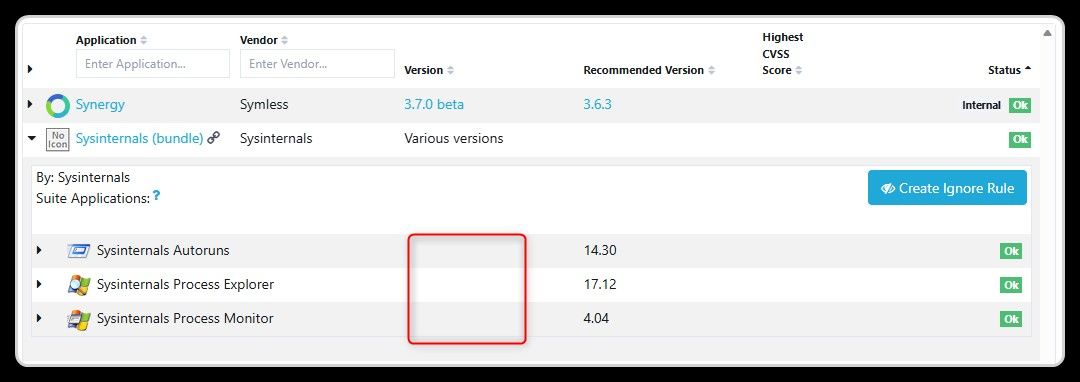
Hi @OLLI_S,
Please note that this app is "internal". The purpose was never to track the or recommend the most recent version.
You and one Customer who needed this for a specific purpose (not version tracking) are the only non-internal users who can see this app.
You should look at the "other" Defender app to see if you are at the most recent version.
@OLLI_S Thanks for reporting this, some properties were changed in the file (again), this caused a delay in spotting the recent version. We started tracking the new variation.
@OLLI_S Thanks for reporting this, seems the file properties changed, it's now updated.
If you think the app otherwise looks fine, then I suppose we can remove the Internal flag. I can see there is a few other Users who also have this app.
@OLLI_S Thanks for reporting this, seems there is a new owner, so the files now have new properties. We will start tracking it again, if it looks fine, then we can remove "internal" too.
@OLLI_S This is just a simple "race condition", the version you mentioned was released this weekend. I can see that it's already in the review pipeline to be released this morning.
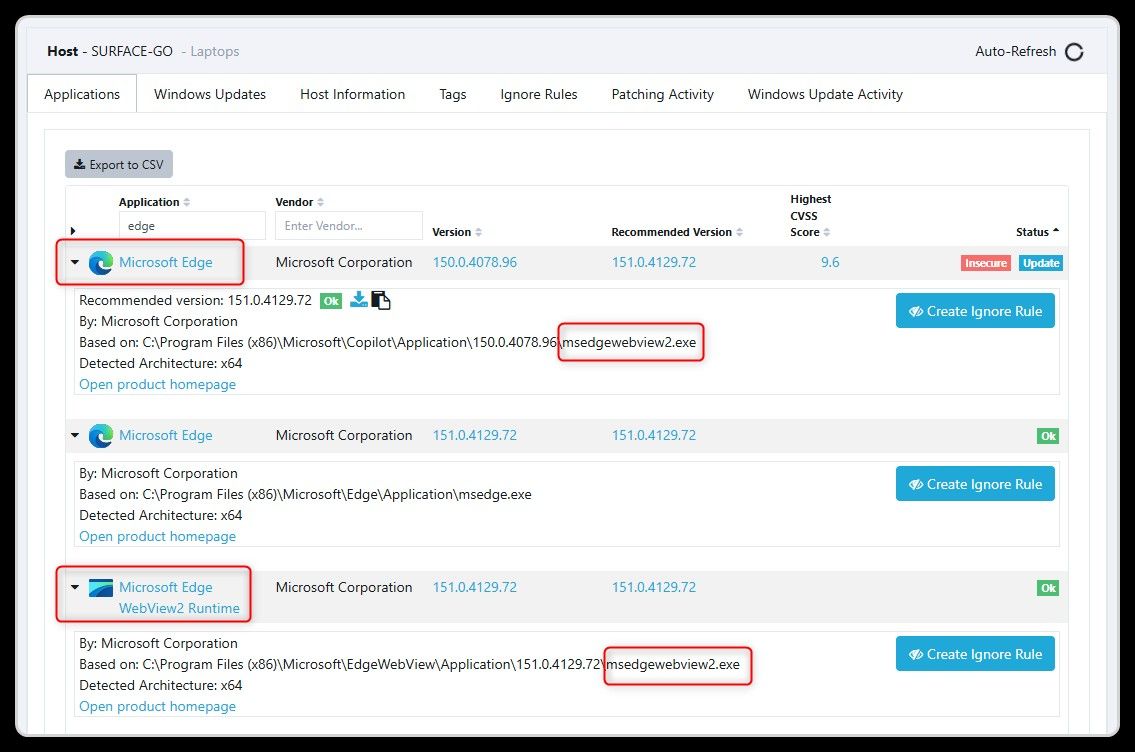
@OLLI_S This sounds odd, I just checked the stats, across all Customers and Users it is only hidden on 1 host. Otherwise stats checks out as expected. Can you send me a chat message with details about which of your machines exhibits this behaviour?
@OLLI_S Thank you for reporting this, I can see that it already was processed and is ready for review and release this morning, so it was just a race condition due to the weekend.
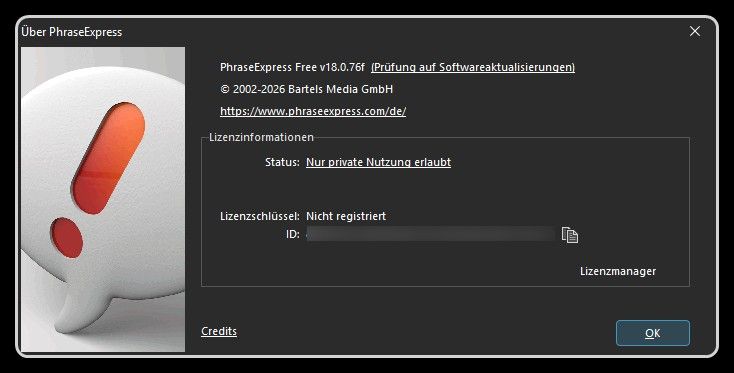
@OLLI_S The "f" does not appear in the file nor in the release notes, so we don't have a way to track it or reference it. The regular numbers seems to be accurate enough.
@OLLI_S This was a race condition, from what I know, then this version was released during the night between Friday and Saturday European time. We did release the updated package over the weekend, as we usually do with prevalent app releases that fixes security issues.
 O
Offline
O
Offline