dotnet-core-uninstall Tool
-
The Microsoft .NET family is released in parallel channels by Microsoft. This means that one major version can coexist with another and that installing e.g. 6.x doesn't replace 5.x.
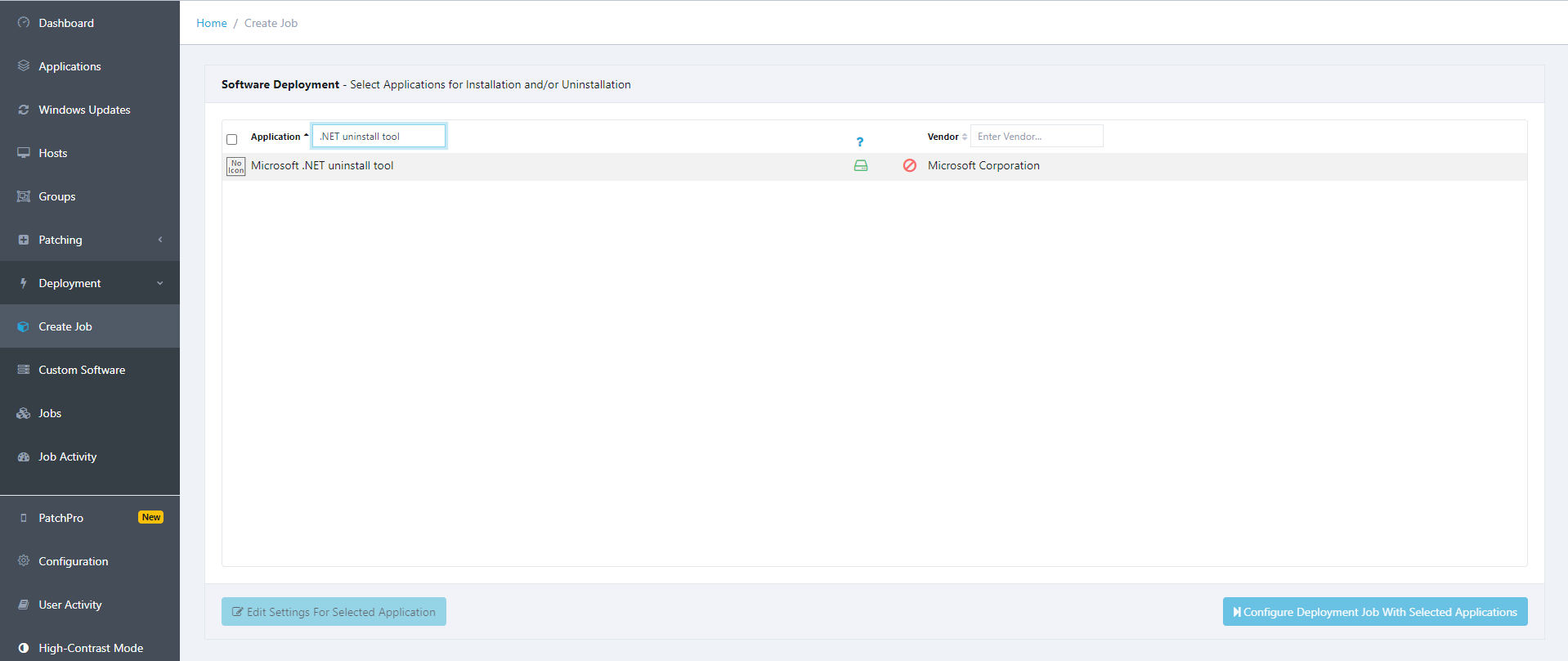
Microsoft .NET uninstall tool, this can be used to manage .NET installations, however, care must be taken, as it can remove more versions than intended. Fortunately, redeploying .NET is easy, as we also support installing it as a deployment job:
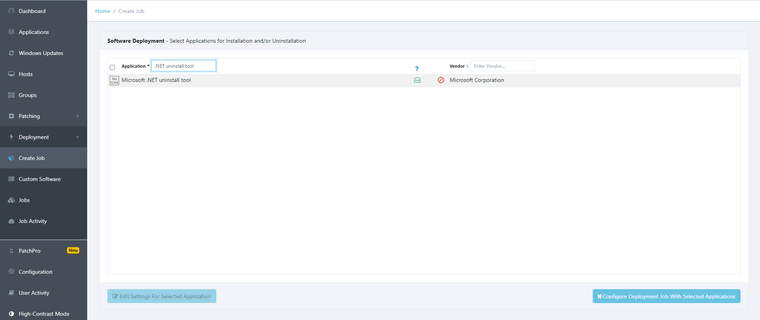
You will need to deploy the Microsoft .NET uninstall tool on each host where you want to handle the various .NET versions.
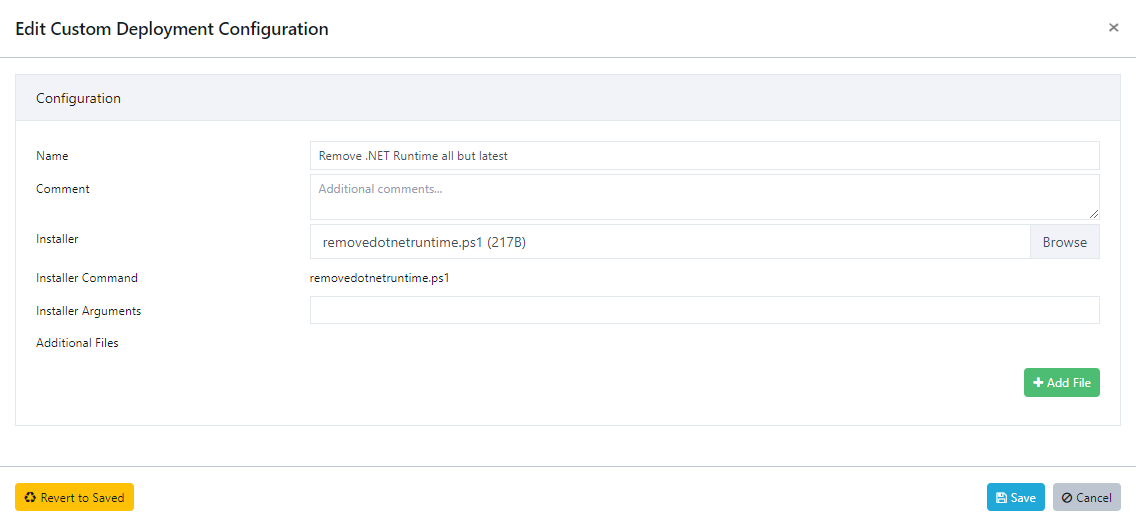
Once you have the uninstall tool installed on the hosts, you can use Custom Software to create a custom job for the uninstall tool, where you will attach a .ps1 script as the Installer, which contains the following:Start-Process -FilePath "C:\Program Files (x86)\dotnet-core-uninstall\dotnet-core-uninstall.exe" -ArgumentList "remove --all-but-latest --runtime --yes" -WorkingDirectory "C:\Program Files (x86)\dotnet-core-uninstall"The above example should remove all RUNTIME versions except for the latest version (--all-but-latest --runtime).
You may also use the option --all-below <VERSION>[ <VERSION>...] , however we recommend that you consult the official documentation which contains the full options list:
https://learn.microsoft.com/en-us/dotnet/core/additional-tools/uninstall-tool?tabs=windows#list-commandExample of Custom Software:
-
T Tom moved this topic from [Custom Software guide drafts] on
Hello! It looks like you're interested in this conversation, but you don't have an account yet.
Getting fed up of having to scroll through the same posts each visit? When you register for an account, you'll always come back to exactly where you were before, and choose to be notified of new replies (either via email, or push notification). You'll also be able to save bookmarks and upvote posts to show your appreciation to other community members.
With your input, this post could be even better 💗
Register Login